
A world of possibilities
Your next chapter
starts in the sky.
From a quick getaway to a long-awaited reunion. Find your flight, choose your seat, and make the journey yours.
Explore our network
Five airports. Endless reasons to go.
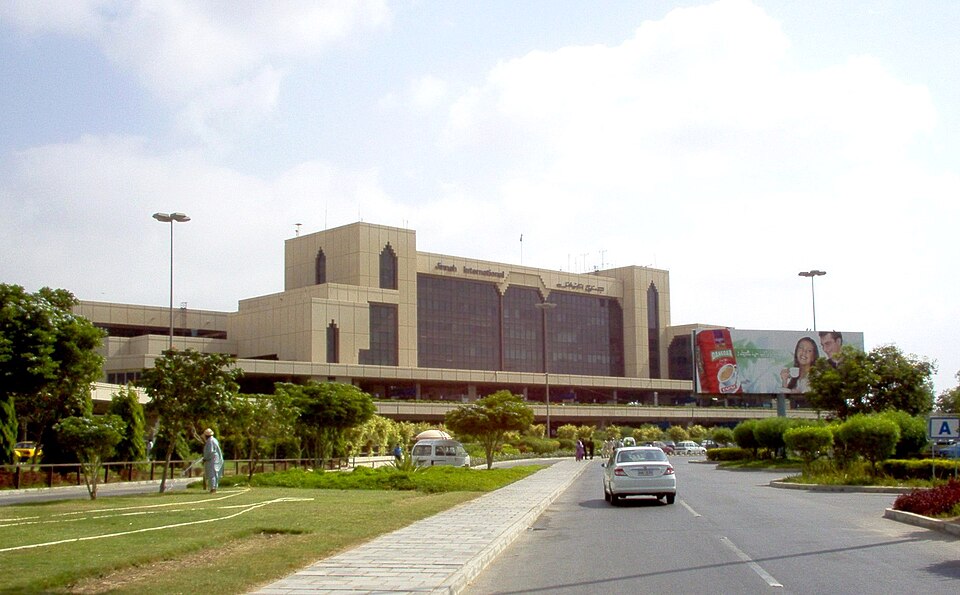
Karachi
Jinnah International Airport

Lahore
Allama Iqbal International Airport
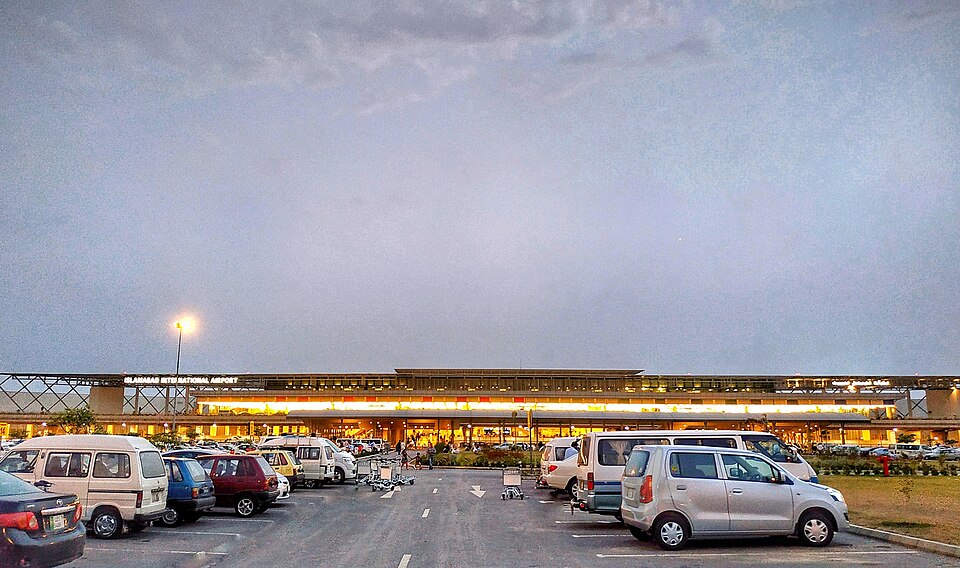
Islamabad
Islamabad International Airport
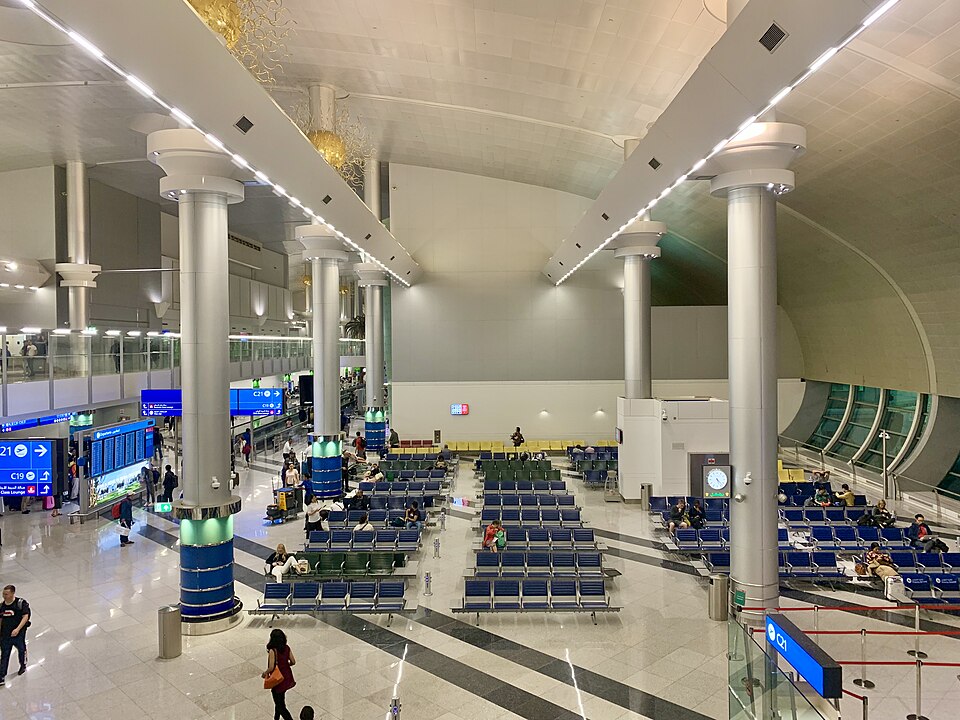
Dubai
Dubai International Airport
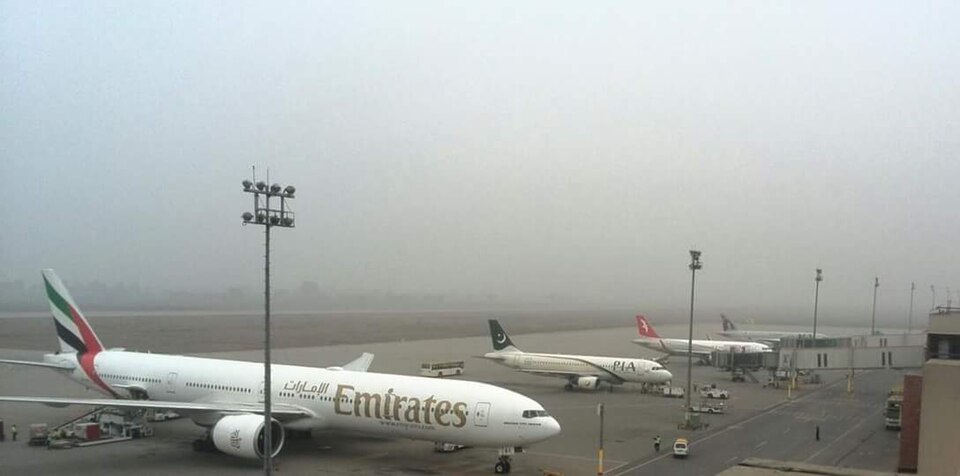
Sialkot
Sialkot International Airport
Choose your route and date in flight search to see current schedules and availability.
A smarter way to travel
From takeoff plans
to ticket in hand.
Search, book, and manage your trip with AeroBook. Your itinerary, passengers, seats, and tickets stay together in your account.
Plan your journey
- 01
Find your flight
Choose your route and date, then compare available flights.
- 02
Make it yours
Add passenger details, review your booking, and select seats.
- 03
Submit payment, get ready to go
After payment verification and booking confirmation, view and print your e-ticket.
Book ahead, check your airline's baggage allowance, save your issued e-ticket, and check the weather at your destination.
How do I book a flight?
Search for a flight, choose an available option, enter your passenger details, and create your booking. Then select seats and submit your payment details.
Can I change or cancel a booking?
Manage your booking from My Bookings. If cancellation is available, a Cancel booking button will appear. Changes depend on the airline and fare rules.
When will my e-ticket be ready?
After an admin verifies your payment and confirms your booking, your e-ticket will be available in E-Tickets. You can view and print each ticket separately.